- Sign in to https://safenet.movaci.net using your SafeNet NG VPN account credentials.
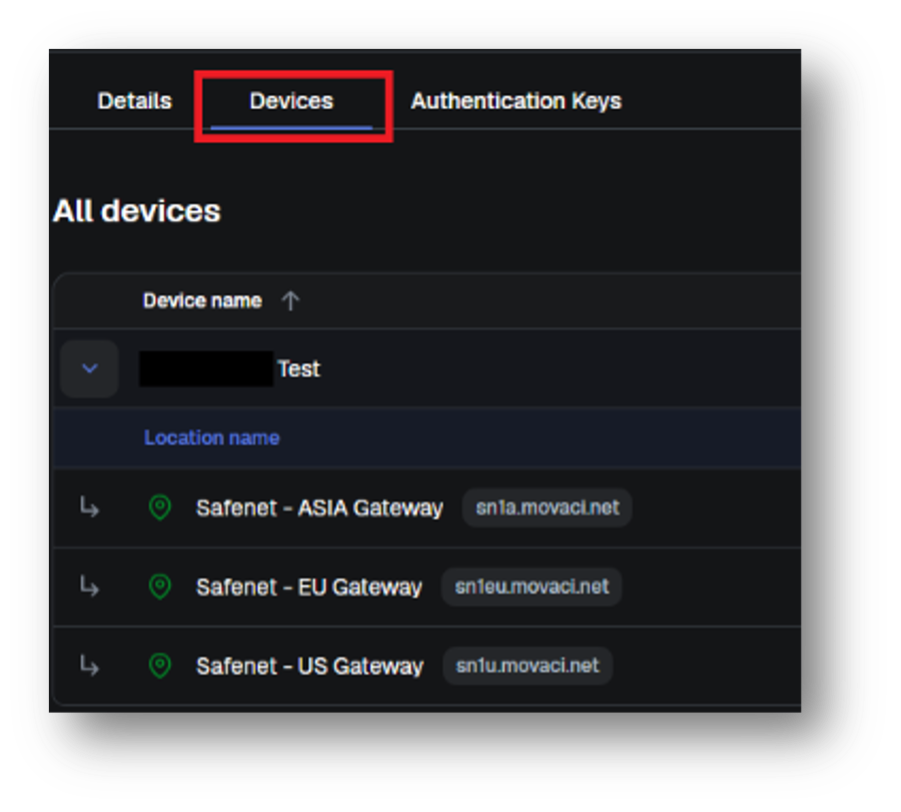
- Navigate to Devices menu.
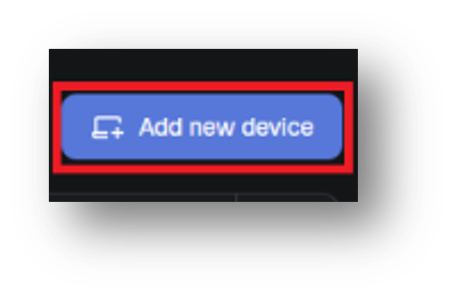
- Click Add New Device.
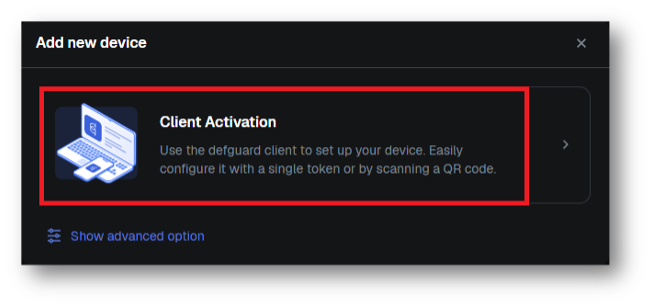
- Select Client Activation.
- For computer desktop, select One-Click Configuration under Desktop client.
For mobile device, scan the QR code with your DefGuard application on your mobile device.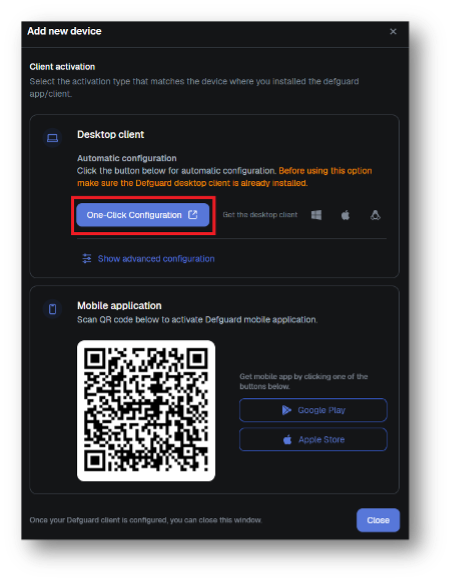
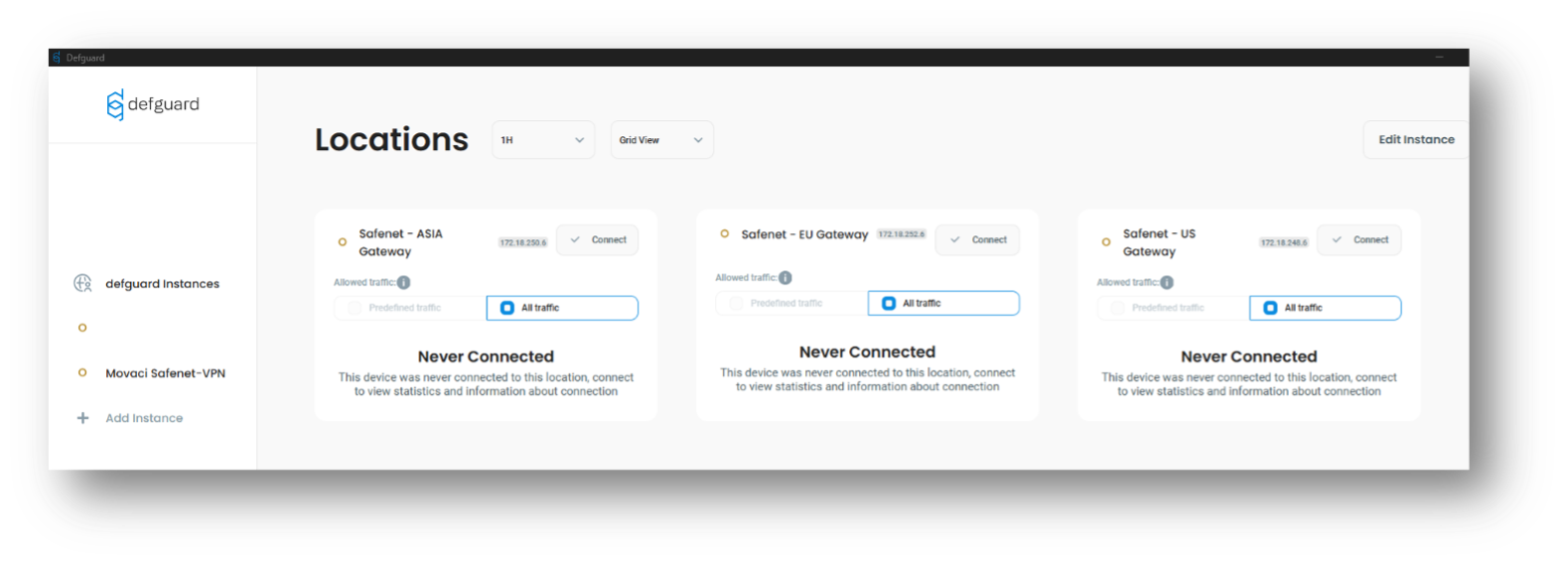
- The VPN profiles will be automatically added to your Defguard application on your computer or mobile device and displayed in the SafeNet NG VPN Portal device list.