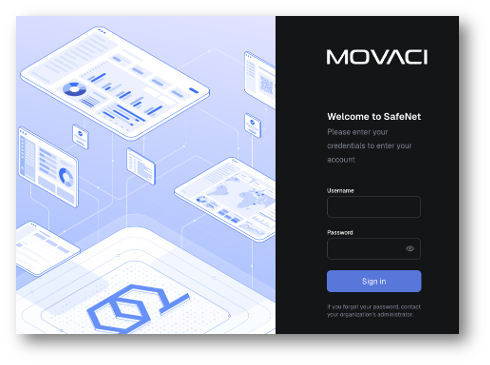
The SafeNet NG VPN Portal allows you to manage your VPN account, enrolled devices, authentication settings, and account information through a self-service web portal.
Using the portal, you can:
- Manage your SafeNet NG VPN account
- Change your password and MFA (Two-factor) for your account
- Add or remove devices, and view your enrolled VPN devices
To access the portal, visit https://safenet.movaci.net and sign in using your SafeNet NG VPN account (sn-xxxx) credentials. You may be prompted to authenticate with MFA if it is enabled for your account.