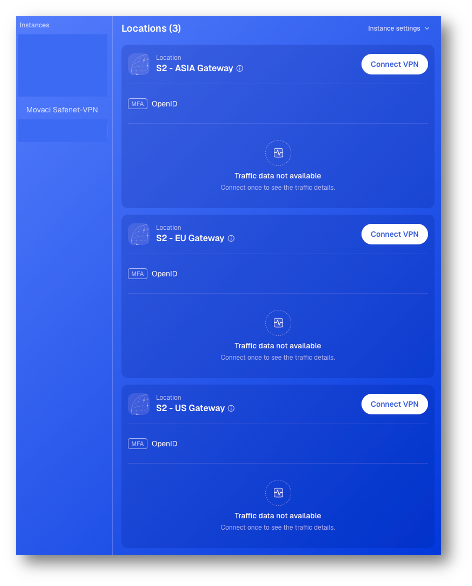
Note: Before adding a new device, install the Defguard client for your device’s operating system from https://defguard.net/download/, or search for Defguard in your device’s app store.
- Sign in to https://safenet.movaci.net using your SafeNet NG VPN account credentials.
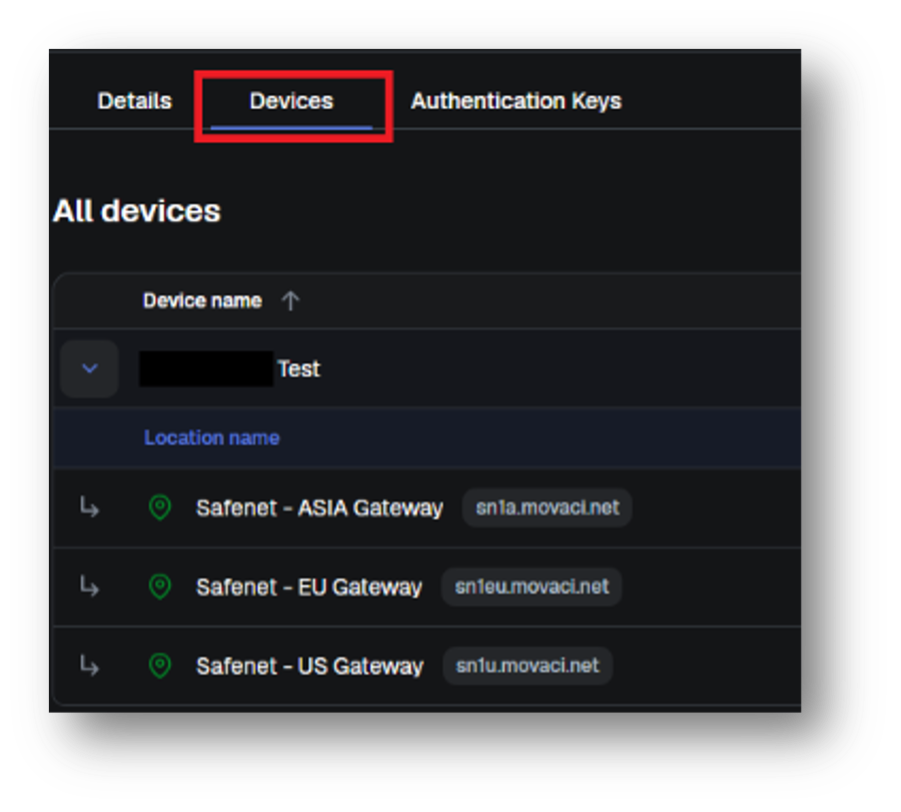
- Navigate to Devices menu.
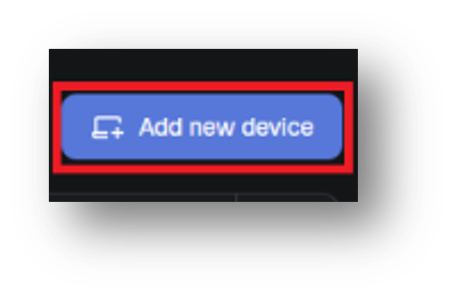
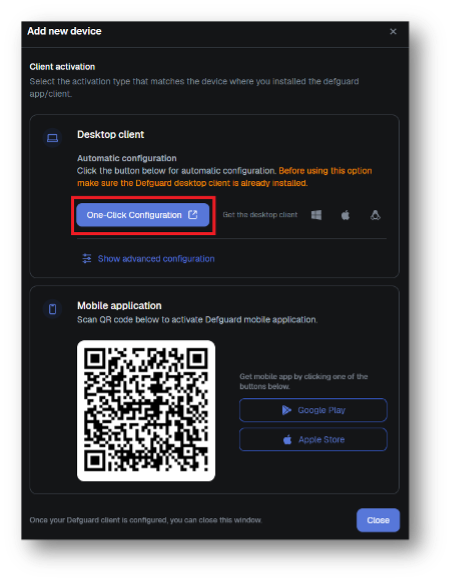
- Click Add New Device.
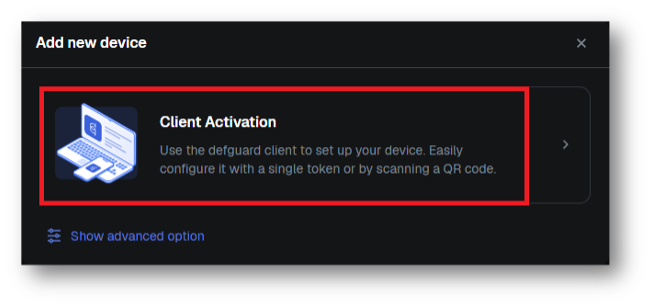
- Select Client Activation.
- For computer desktop, select One-Click Configuration under Desktop client.
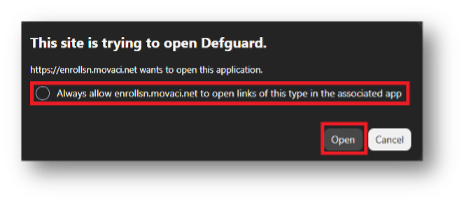
- Select, Always allow enrollsn.movaci.net to open links of this type in the associated app.
- Click Open.
- The VPN profiles will be automatically added to your Defguard application on your computer.